


Photobook Printing
Photo Book Maker Software vs Professional Design Platforms: What's the Difference for Print Businesses
•
11 min read
•

Quick answer: photo book maker software is built for one person making one book, usually printed by the app’s own lab. A professional design platform is built for a business: it runs on your website under your brand, lets many customers design at once, connects to your store and sends you a print-ready file for every order.
Search for photo book maker software vs professional design platforms and you will mostly find apps built for someone making one book for one family, one wedding, or one gift. That is not the same category as the software a print business needs to run a storefront, route orders to production, and keep its own branding in front of customers. Mixing the two up is an easy way to buy the wrong tool.
This post separates the two categories, flags the warning signs that a business has outgrown consumer-grade software, and lays out the questions worth asking before you switch to something built for volume. By the end, you should be able to tell which category a vendor actually belongs to before you sign a contract, not after your order volume has already outgrown it.
What Photo Book Maker Software Actually Means
A photobook designer software built for consumers is made for one person creating one book at a time: upload personal photos, pick a template, order a single printed copy. It is consumer or prosumer grade, not built to sell to many customers at once. Someone assembling a wedding album or a family photo book does not need order management, multiple storefronts, or production routing — just a straightforward way to design and print one item.
Typical Features You Will Find
Tools in this category tend to share the same short list of features: pre-made templates for quick design, auto-fill that drops photos into pages automatically, basic editing like cropping and filters, a single checkout for one order at a time, and little or no way to connect to a business storefront. All of that works fine for personal use. None of it supports the volume, branding, or order handling a print business needs day to day. It is best to treat this category of software as a personal design tool rather than a business platform — recognizing that difference early is what keeps a business owner from buying the wrong system and having to switch again a year later.
What Is the Easiest Photo Book Maker?
For a consumer, the easiest photo book maker is the one that fills the book for them. Look for auto-fill (photos placed across pages automatically), a phone-friendly editor, drafts that save, and a full preview before ordering. Most popular consumer services offer these, and the differences come down to price, paper and delivery time.

For a print business, “easiest” means something else: the easiest platform for your customers to finish a book on your site without contacting you. That is the same set of features, but running in your store and under your brand, which is what the WTPBiz Photobook Designer is built for.
Why Photo Book Maker Software Falls Short for a Growing Print Business
Print business owners often start with consumer-grade tools because they are cheap and simple to pick up. The problem shows up once real volume arrives: these tools were not built for multi-order fulfillment, white-label storefronts, or vendor routing, so they work for one project and buckle once orders stack up.
Signs the Tool Is Holding Your Business Back
A few warning signs tend to show up together: your team re-uploads photos or files by hand for every order, your storefront still carries the software’s brand instead of yours, you cannot set different pricing for bulk or repeat customers, orders pile up because nothing routes them to production automatically, and your staff spends more time managing files than designing books. None of these show up in month one — a business can run fine on consumer tools for a while. The trouble starts once order volume climbs and the lack of automation and brand consistency starts costing real time.
What a Business Photobook Platform Adds
Moving from a personal design tool to a business photobook platform changes more than the page editor — it changes how the whole order runs, from design to production, without someone manually pushing it along at each step.
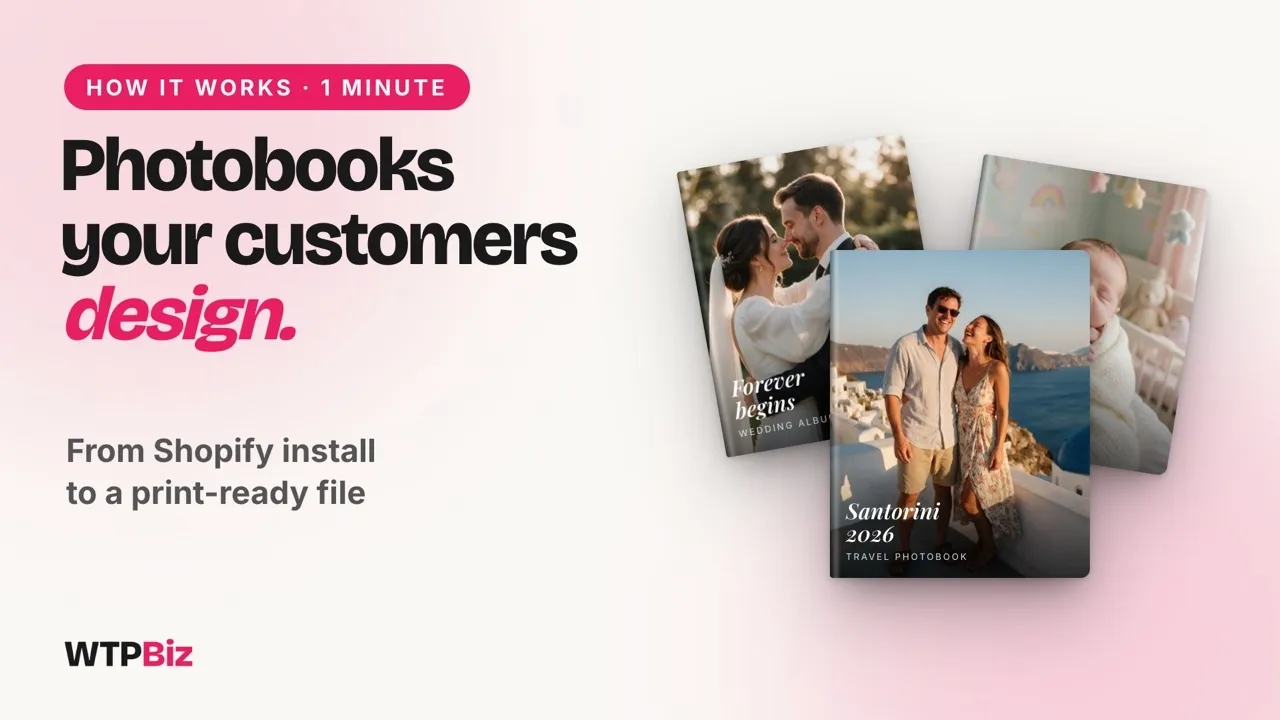
See what a business photobook platform looks like in practice: a one-minute WTPBiz walkthrough, from templates to print-ready output.
Order and Production Workflow
A professional platform routes fulfillment on its own: once a customer places an order, the file goes straight to production without anyone re-uploading or reformatting it. That is one of the biggest gaps in consumer tools, and it is usually the first thing print business owners notice once they compare the two side by side. With custom photobook design software built for this, your team is not checking every order by hand, which means fewer errors and faster turnaround — and it means a staff member can spend their day on customer service or design quality instead of chasing down files.
Branding Control
Your storefront should look like your business, not the software behind it. A B2B platform keeps your logo, colors, and domain in front of the customer through design and checkout — nobody should see a third-party brand name while placing an order on your site. Branding control is one of the first things worth checking when comparing platforms, and it is a hallmark of the best photobook software built for print businesses rather than individual users.
Scalability Across Stores
A growing business often needs more than one storefront — separate stores for different product lines, regions, or customer types. A professional platform runs multi-store management from a single dashboard, and you should be able to add a new store without rebuilding your setup from scratch each time. Consumer-grade tools, built around single orders, do not offer this at all.
Workflow, branding, and scalability are the three areas that separate a basic design app from a platform that can carry a print business as it grows. Missing even one of the three tends to cause problems later, so it is worth checking all three before you commit. For a closer look at individual features to compare across vendors, our features checklist for photobook design software is a useful companion to this post.
How to Tell Which Category a Vendor Is Really In
A vendor’s website can look polished even when the software behind it is built for personal use rather than business volume. A few direct questions before you sign up tend to reveal which category a tool actually belongs to: Does the platform offer an API or integrations with your existing store, such as Shopify? Who owns the storefront — you or the software provider? Can the system handle hundreds of orders at once without manual work? Is there a pricing page with business tiers, or only a single consumer plan? Does white-label branding carry through the entire customer journey? A vendor that cannot answer these clearly was probably built for individual users, not businesses.
Checking the Pricing Model
Pricing tells you a lot on its own. Consumer tools usually charge per book or per project. Business platforms offer monthly or tiered pricing based on order volume, storefronts, or feature sets. A vendor offering only a flat, one-time purchase price with no mention of scaling is almost certainly consumer software, not a B2B platform. No single signal confirms everything on its own — look at integrations, storefront ownership, order handling, and pricing together, and when all four line up with business needs, you are looking at a platform rather than a design app.
What to Check | Consumer / Maker Tools | Business Photobook Platform |
|---|---|---|
Order handling | One order, one checkout at a time | Bulk and repeat orders with automated routing |
Storefront branding | Shows the software’s own brand | White-label — your logo, colors, and domain |
Fulfillment | Manual file re-upload per order | Automatic routing straight to production |
Pricing model | Flat rate per book or project | Tiered pricing by volume, stores, or features |
Store structure | Single store, rebuilt for each new one | Multi-store management from one dashboard |
Signs Your Business Has Outgrown Consumer-Grade Tools
Once your business has grown past a handful of orders a month, it is worth checking whether your current setup can keep up. Many print businesses stick with consumer tools longer than they should simply because switching feels like extra work.
Order Volume Is Growing Fast
Handling dozens or hundreds of orders a week turns manual processes into a bottleneck. What worked for ten orders a month will not work for a hundred — order volume is usually the first sign a business has outgrown its current tool.
You Have Repeat B2B Customers
Selling to other businesses is different from selling to individual customers. If schools, event planners, or corporate clients are placing repeat orders, you need bulk pricing and account handling that consumer software does not offer.
You Need Staff and Admin Controls
As your team grows, you need to set permissions, assign roles, and see who is managing which order. Consumer tools are built for one user, not a team, so adding staff usually means everyone shares one login and one inbox full of order confusion.
You Are Selling Across Multiple Channels
If you sell through your website, a marketplace, and social media, your design tool needs to support all of those channels together, not just one at a time. A single-checkout tool cannot manage multi-channel selling, and that gap becomes obvious fast once a business tries to scale past its original storefront. For a direct, feature-by-feature look at vendors built for this kind of volume, see our comparison of the best photobook software for print shops.

Questions to Ask Before Choosing Photobook Designer Software
A few practical questions before you commit to a platform can save you from signing up for something that looks good at first but does not fit your actual needs.
Does It Work With Your Existing Store?
Check whether the platform connects with the store you already run, such as Shopify. Without a clean integration, you end up managing two separate systems instead of one.
Can Customers Customize Their Designs?
Look for real design freedom, not a handful of fixed layouts. Solid custom photobook design software lets customers change layouts, add text, and adjust photos without feeling boxed in.
Does It Support Print Quality Control?
Ask how the platform handles print files. You want resolution, alignment, and bleed checked automatically, not fixed by hand before every print run.
Will It Scale as You Grow?
Ask whether the platform can support more orders, more storefronts, and more product options over time. The right photobook software for your business is the one that still works well after your order volume doubles or triples, not just the one that looks easiest today. WTPBiz’s Photobook Designer is built around that kind of growth, with white-label storefronts and fulfillment routing in place from day one.
How to Switch Platforms Without Disrupting Your Business
Moving off a personal photo book maker software can feel risky if you are worried about losing customers mid-switch. A few steps make it a lot less risky.
Map Out Your Current Setup First
Write down everything your current tool does, including the small manual steps your team follows. This gives you a clear picture of what needs to carry over — templates, pricing rules, customer data — and skipping it is one of the main reasons switches go wrong.
Migrate Templates and Files Early
Move your existing templates and design files to the new photobook designer well before your planned go-live. That gives your team time to check that layouts, fonts, and photo placements look right, instead of fixing issues after customers start ordering.
Run Both Systems in Parallel
Keep your old tool running for a short stretch while you test the new platform on real orders. That lets you compare order accuracy, production timing, and customer experience side by side, instead of guessing.
Train Your Team Before Launch
Walk your staff through order management, admin controls, and how production routing works before the new system becomes the main tool. A short training period now saves hours of confusion later.
Set a Clear Go-Live Date
Once testing is done, pick a specific date to switch over fully. A slow, planned rollout beats rushing the change all at once — businesses that plan each step tend to switch platforms with little disruption to customers or daily operations. Keep the parallel-run window short enough that your team stays focused, but long enough to catch anything that only shows up under real order volume, like a template that renders differently in production than it did in testing.

Conclusion
Choosing the right tool comes down to matching the software to how your business actually works, not how simple it looks on a landing page. WTPBiz’s Photobook Designer is built for print businesses that have outgrown consumer-grade tools, with white-label storefronts, automated fulfillment routing, and multi-store management built in. If you want to see how it fits your business, book a demo whenever it suits you.
Frequently Asked Questions
What is the difference between photo book maker software and a professional platform?
Photo book maker software is built for one person creating one book. A professional platform manages multiple orders, storefront branding, and production routing for an entire print business at scale.
What does white-label photobook software mean?
White-label means the platform’s own brand stays out of sight. Your business name, logo, and domain appear throughout the design and checkout process, so customers only see your brand.
Can I connect a photobook platform to my Shopify store?
Most professional platforms offer direct Shopify integration, syncing designs, orders, and pricing automatically so you are not managing two separate systems for your storefront.
What is fulfillment routing in photobook software?
Fulfillment routing sends completed orders straight to the correct production facility. It removes manual file handling and cuts errors, especially once order volume climbs across multiple channels.
How do I know if my business has outgrown consumer-grade photobook software?
Watch for manual re-uploads on every order, a storefront still branded to the software provider, no bulk or tiered pricing, orders backing up with no automated routing, and staff spending more time on file management than design.
What is the easiest photo book maker to use?
The easiest photo book makers auto-fill your photos into pages, work on a phone, save drafts and show a full preview. For businesses, the easiest option is a white-label designer that customers can finish on your own website.
Photo Book Maker Software vs Professional Design Platforms: What's the Difference for Print Businesses
Photobook Printing
See it live

