


Photobook Printing
How to Market a Photobook Business Online (2026 Strategies)
•
13 min read
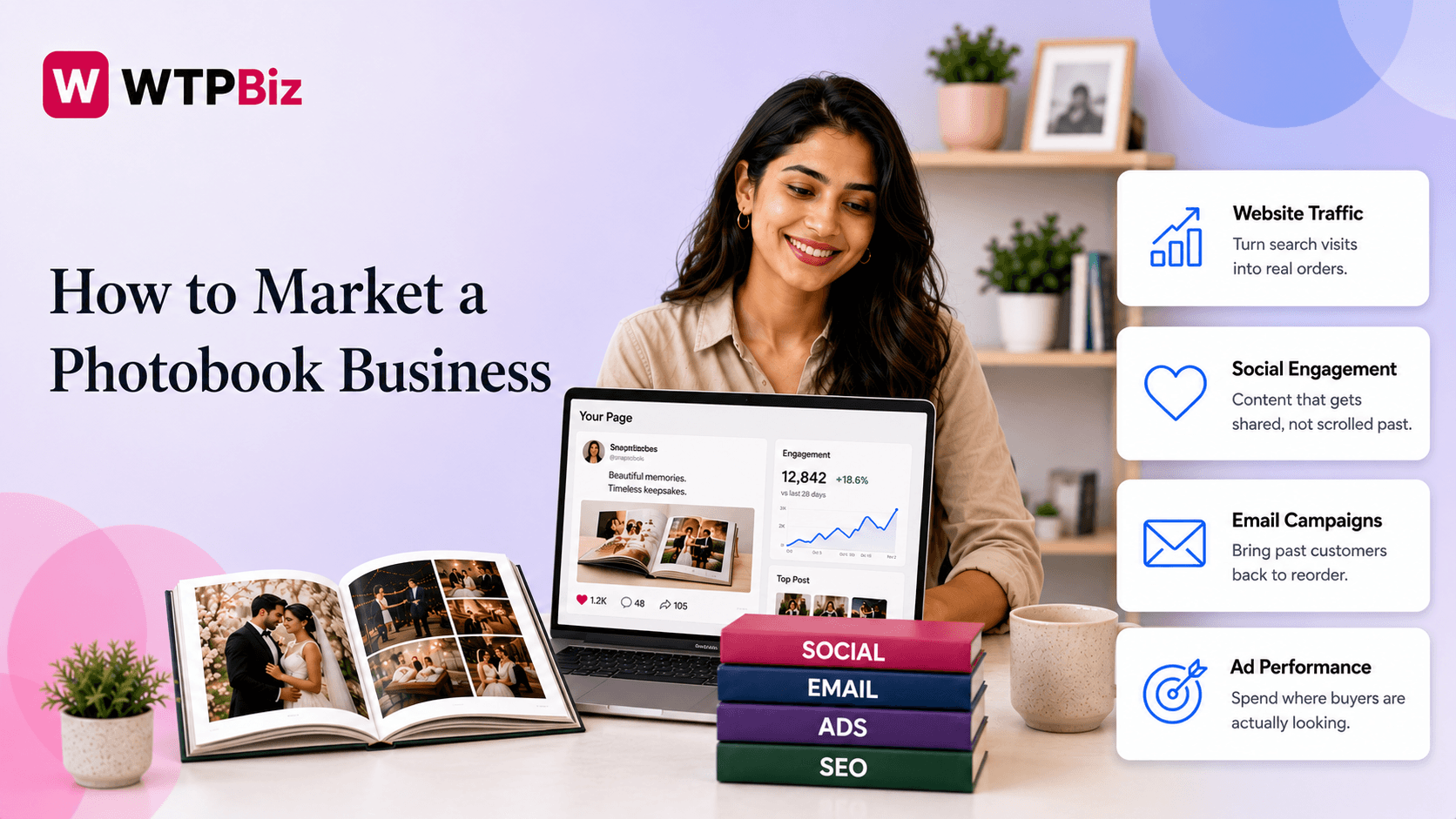
Most print shop owners don't have a product problem. They have a visibility problem. Your photobooks may be well made, but if the right people can't find you, orders won't come in.
Marketing a photobook business the right way means choosing the right channels and building them in the right order. This guide walks through a channel-by-channel strategy covering SEO, social media, referral programs, email, and paid ads, with specific actions and templates you can use.
This is what actually moves a photobook print shop past inconsistent, one-off sales and into a predictable order flow.
The #1 Mistake Photobook Businesses Make Before They're Ready to Advertise
Most photobook businesses don't realize they're making this mistake until they've already spent money on ads with little to show for it. The mistake is simple: running paid ads before building any organic foundation.
When someone sees your ad and clicks through, the first thing they do is look for proof that your business is trustworthy. They check for reviews, browse your website, and look at your social media. If none of that is in place, they leave, and you've paid for that click.
That's why the order matters. Build your photobook marketing strategy in this sequence: get your SEO basics in place first, build social proof through reviews and customer photos, set up a referral system, then run paid ads.
Before you spend a dollar on ads, run a quick audit. Do you have at least 10 customer reviews? Do you have a blog or product pages with proper content? Do you have an email list, even a small one? If the answer is no to any of these, focus there first. Paid ads work best when there's already a foundation supporting them. Without it, you're spending money to send people to a store that isn't ready to convert.
SEO for Your Photobook Store: Keywords That Actually Convert
For an online photobook print store, SEO is one of the most important things to get right early. Most product pages don't rank on Google because they have too little content and no clear keyword focus. If a product page just has a title, a price, and two sentences, Google has no reason to show it to anyone.
Why Your Product Pages Aren't Getting Found
You need to target keywords based on what buyers are actually searching for. High-intent keywords are searched by people ready to buy, things like "custom photo album printing," "wedding photobook printing," or "personalized photo book gift." Long-tail informational keywords bring in people earlier in the decision process, like "how to make a photo album for an anniversary" or "best photobook for baby's first year."
How to Structure Your Product Pages
Title tag: a clear title that includes your main keyword
Meta description: under 160 characters, tells people what they'll get
H1: matches the search intent
Image alt text: descriptive, keyword-relevant phrases
Product description: at least 150 words explaining materials, sizes, occasions, and what makes the product worth ordering
Blog Content That Supports SEO
Publishing blog content regularly helps grow a photobook business online. Write gift guides, occasion-based posts like "Top Photo Gift Ideas for Weddings," and comparison posts like "Best Photobook Styles for Family Portraits." These pages bring in organic traffic and link back to your product pages. For the full playbook on getting a store off the ground in the first place, see our guide on starting a photobook printing business.
Quick SEO Checklist for Product Pages
Keyword in the title tag
Meta description written
H1 matches search intent
Image alt text added
150+ word product description
Internal link to a related blog post
Instagram and Pinterest: Why Visual Platforms Drive Photobook Sales
If there are two visual platforms worth your time as a photobook business, it's Instagram and Pinterest. Facebook and TikTok can work, but they require a different content style and a much higher posting volume. Instagram and Pinterest are where people actively look for gift ideas, wedding inspiration, and memory-keeping products, which is exactly what you sell.
Why Instagram Works for Photobooks
Instagram marketing works for photobooks because the product is visual by nature. People want to see what they're buying before they order. Reels showing the unboxing experience or someone flipping through a finished book get the most reach. Carousels work well as a before/after: raw phone photos on one side, the finished printed book on the other. Stories with polls like "Which cover would you choose?" drive engagement and tell you what your audience prefers. Post at least 4 times a week: 2 Reels, 1 carousel, and 1 Story series.
Why Pinterest Drives Consistent Traffic
Unlike Instagram, where posts fade in 24 to 48 hours, Pinterest pins stay active for 6 to 12 months. Pinterest works like a search engine, so your content keeps bringing in traffic long after you post it. Create boards like "Wedding Photo Albums," "Baby Memory Books," and "Anniversary Gift Ideas," and put your main keyword in the pin title, the description, and the board name.
Week 1 Content Calendar
Day | Content Type | Topic |
Monday | Reel | Unboxing a wedding photobook |
Wednesday | Carousel | Phone photos vs. finished book |
Thursday | Pinterest Pin | "Best Anniversary Photo Album Ideas" |
Friday | Story Poll | "Hardcover or softcover, which do you prefer?" |
Saturday | Reel | Customer photobook reveal |
Build a Photographer Referral Program: Your Highest-ROI Channel
You can spend hours on social media trying to reach new customers, or you can build one good relationship with a photographer and get consistent, warm referrals every month. Photographers shoot the photos but don't sell the finished book. That gap is your opportunity, and it applies just as well when working with wedding photographers specifically.
Why Photographers Are the Right Partner
Every photographer who shoots weddings, newborns, family portraits, or graduation sessions has clients who would love a printed photobook. They just don't have a place to send them. A photographer referral program fills that gap and gives both sides a reason to work together.
How to Structure Your Referral Program
Commission: offer 10 to 15% commission or store credit for every order they refer
Sample book: send a co-branded sample so they can show clients a physical product
Tracking: give each photographer a unique referral code or UTM link to track their orders
Where to Find Photographers
Search Instagram using location-based hashtags like #yourcityphotographer, join photography Facebook groups and introduce yourself, and browse local wedding vendor directories like The Knot or WeddingWire.
Partnership Pitch Email Template
Subject: A simple way to offer your clients something extra
Hi [Name],
I run a custom photobook printing service, and I work with photographers to help their clients turn session photos into printed books.
I'd love to send you a free sample book so you can see the quality firsthand. If it's a good fit, I offer a referral commission on every order that comes through your recommendation, with no extra work on your end.
Would you be open to a quick chat, or should I just send the sample over?
[Your Name]
Track Every Referral Properly
Don't rely on photographers to manually tell you about referrals. Use UTM links in the URLs you share with them and assign unique discount codes so every order is tracked automatically.
Key WTPBiz Insight: A single active photographer partner can send you 5 to 15 orders per month. Referral partnerships cost far less than any paid ad campaign and often outperform them.
Email Marketing for Repeat Orders: Trigger-Based Sequences That Work
One of the most underused tools in a print shop's marketing plan is email. When you send an email, it lands directly in your customer's inbox, and the timing is entirely in your control.
Why Email Works Better Than Social for Repeat Orders
Email is especially effective for print shops because photobook purchases are tied to life events. That means you can set up automated emails that go out at exactly the right time without doing anything manually.
Three Email Triggers to Set Up
Post-delivery email (day 7). Send this after the customer receives their order. Subject: "Happy with your photobook? Here's a little something." Thank them, ask for a review, and offer 15% off their next order with a 30-day expiry.
Anniversary reminder (month 11). Send this almost a year after their first order. Subject: "It's almost been a year, ready to save this one too?" Remind them that another year of photos is worth printing, and link directly to your photobook builder.
Seasonal campaign (October). Send this at the start of Q4 to capture holiday orders. Subject: "Order your holiday photobook before it's too late." Include your order-by date for guaranteed delivery before the holidays, and add a limited-time offer to drive urgency.
3-Email Re-Order Flow
Timing | Goal | |
Email 1 | Day 7 post-delivery | Get a review, offer a discount |
Email 2 | Month 11 | Trigger anniversary re-order |
Email 3 | October | Capture holiday season orders |
Tools to Use
For eCommerce stores, Klaviyo makes it easy to automate these triggers based on order data. If you're on a tighter budget, Mailchimp works well for basic automation. Keep your messages short, personal, and tied to a specific moment in your customer's life. That's what gets them to open, click, and order again.
Google Shopping: Getting Your Photobook Products in Front of Buyers
For small print shops, Google Shopping is one of the most overlooked channels. Most shop owners either don't know how to set it up or assume it's only for large retailers.
How to Get Started
The setup process goes in this order: create a Google Merchant Center account, upload your product feed, and connect it to a Google Shopping campaign in Google Ads. It takes some time to set up correctly, but once it's running, your products appear directly in Google search results with an image, price, and your store name.
Product Data That Affects Visibility
The way you write your product titles makes a big difference. Include words like "custom," "personalized," and the occasion in your title, for example "Custom Wedding Photobook, Hardcover, Lay Flat, Personalized." For custom products without a GTIN barcode, use the identifier_exists field set to "no" in your feed. Always use high-resolution product images; blurry or low-quality images get disapproved.
Starting Budget and Bidding
Start with a Performance Max campaign at $10 to $15 per day. Don't increase the budget until you have at least two weeks of data.
Title Format Template
[Custom/Personalized] + [Product Type] + [Occasion] + [Key Feature]. Example: "Personalized Baby Memory Photobook, Hardcover, 40 Pages."
Partnerships: Wedding Venues, Photography Schools, and Portrait Studios
Another way to grow a photobook business online without running ads is through direct partnerships with businesses that already work with your target customers. You don't need a sales team, just the right outreach.
Wedding Venues
Couples who book a venue are already thinking about preserving their wedding memories. Reach out to local wedding venues and offer a complimentary sample album. Ask to be added to their preferred vendor list. One email to the venue coordinator is all it takes to get started.
Photography Schools and Courses
Students in photography programs need to print their final project portfolios. Approach local photography schools or online course instructors and offer to be their recommended print lab. This brings in consistent orders from new photographers who then become long-term customers.
Family Portrait Studios
Portrait studios shoot the photos but rarely offer printed books. You can position custom photo album printing as a white-label or co-branded upsell built directly into their client packages. The studio offers it, you fulfill it, and both sides benefit.
Each of these partnerships puts your product in front of people who are already ready to buy without you spending on ads.
WTPBiz Pro Tip: When reaching out to any partner, always send a physical sample first. A printed book in someone's hands converts far better than any brochure or email pitch.
Paid Ads: When You're Actually Ready
Paid ads can bring in orders quickly, but only when your business is ready for them. Running ads too early is one of the most common reasons print shops burn through their budget with poor results.
Are You Ready to Run Ads?
Before you spend anything, check three benchmarks: at least 3 months of organic traffic data, an email open rate of 2% or higher, and 10 or more customer reviews on your store.
ROAS Benchmarks to Know
For a solid photobook marketing strategy with paid ads, aim for a minimum 3 to 4x ROAS. If you're seeing below 2.5x on a cold audience, the problem is usually your offer or your creative, not the budget.
Which Channels to Use First
Start with Google Shopping, then move to Meta retargeting for past site visitors, and only then test cold audience prospecting.
Ad Creative That Actually Works
Skip the flat product mockups. Show someone holding the book, gifting it, or flipping through the pages. Real-life product visuals consistently outperform studio-style images in this category.
Metrics That Actually Matter: What to Track
To grow a photobook business online effectively, track these five numbers every week.
Repeat purchase rate: aim for 30% or higher
Email list growth rate: are you adding subscribers weekly?
Referral conversion rate: how many orders is each photographer partner actually sending?
Google Shopping CTR and ROAS: is your ad spend returning at least 3x?
SEO organic sessions to product pages: is your search traffic growing month over month?
A Simple Reporting Habit
Create one Google Sheet with these five numbers and update it every Monday. That's it. You don't need a complex dashboard, you need consistency. Reviewing the same numbers weekly helps you spot problems early and make faster decisions. For more context on where the print industry is headed, see our print industry statistics roundup.
Getting Started
Getting consistent orders from a photobook business comes down to building the right channels in the right order: SEO, social media, referrals, email, and then paid ads. Each step builds on the previous one.
If you're looking to give your customers a smooth, professional way to design and order photobooks online, the photobook designer tool is built specifically for print shops. It helps you set up a store where customers can customize and place orders without any back-and-forth, which directly supports the conversion rate every channel above is working to earn. Book a demo to see how it fits your workflow.
FAQs
How do I get more photobook customers without paid ads?
Focus on SEO, a photographer referral program, and email marketing first. These three channels bring in consistent, high-intent customers without requiring an ad budget to get started.
Which social media platform works best for selling photobooks?
Instagram and Pinterest are the most effective. Instagram builds engagement through Reels and carousels, while Pinterest drives search-based traffic to your store for months after a pin is posted.
How do I approach photographers for a referral partnership?
Send a short, direct email offering a free sample book and a referral commission. Keep it simple and focus on what they gain, not just what you offer.
Photobook Printing

