


Photobook Printing
How to Turn Instagram Photos into a Photobook: A Print Shop Guide
•
11 min read
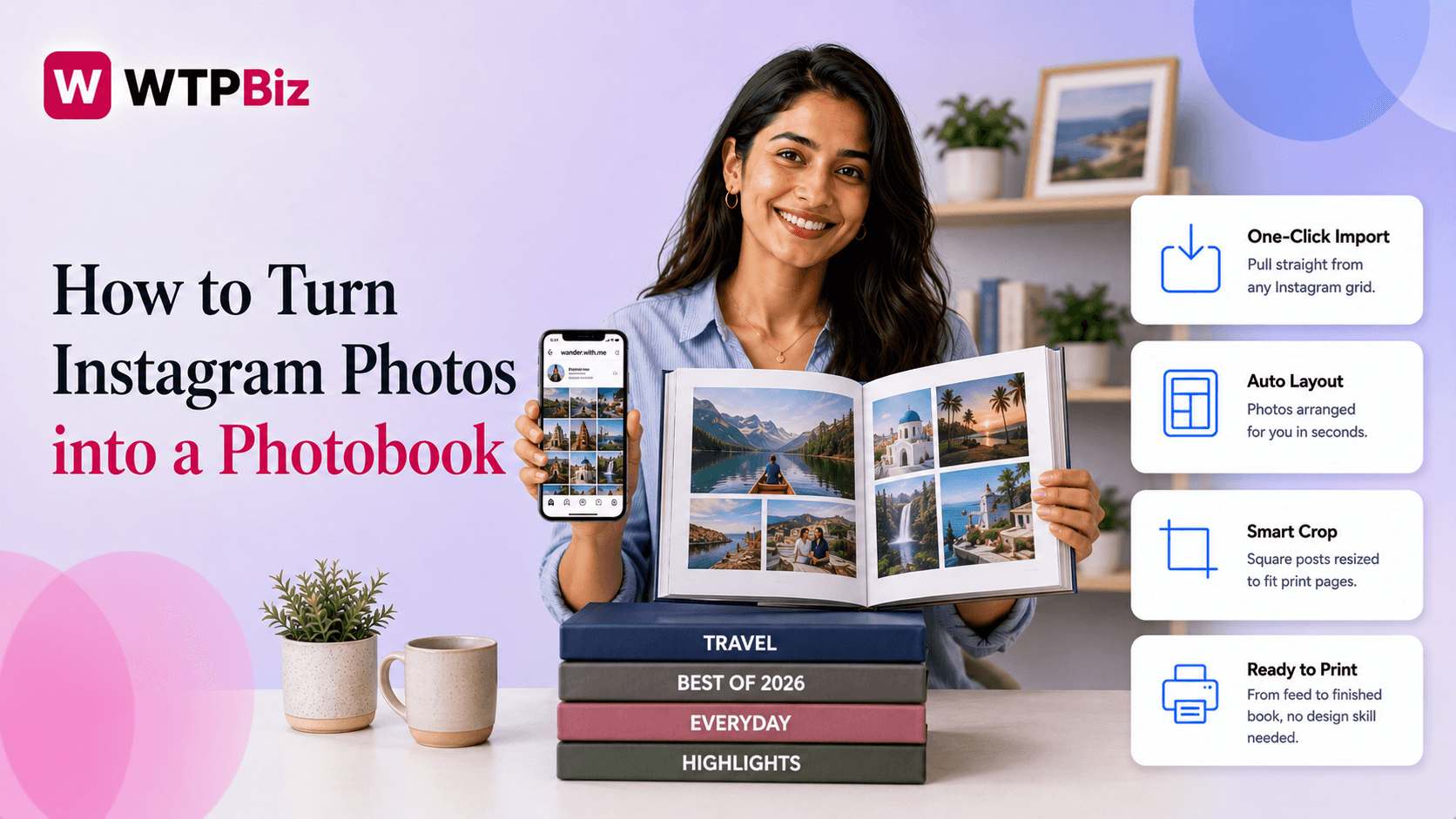
Instagram has more than 2 billion active users, and a huge share of them have years of photos sitting untouched in their feed. That is a real opening for print shops in 2026: people are already spending on experiences and keepsakes, and a printed photo book is one of the easiest ways to convert a phone full of memories into something a customer actually keeps on a shelf.
Most print shops have not built this into their storefront yet, which means the shops that move now can own the search demand before it gets competitive. But offering an “Instagram photobook” service only works if the customer workflow is smooth, the software handles social import and image resolution correctly, and the pricing makes sense against what customers are already seeing from consumer platforms.
This guide walks through all of it: why the demand exists, what the customer journey should look like, the specific software features to check for, which formats fit Instagram content best, how to price the product, and how to market it once it is live.
Why Instagram-to-Photobook Is a Growing Revenue Stream
Scrolling a feed is quick and forgettable. A printed photo book sits on a shelf and gets picked up again years later. That shift in how people value their photos is what is driving demand for printed photo products right now.
The Numbers Behind the Opportunity
Most of Instagram’s 2 billion-plus users have been posting for years without printing a single photo. That is a large, mostly untapped audience for print shops. The global photobook market was valued at roughly $3.47 billion in 2025 and is expected to keep growing through 2026 (see our 2026 print industry statistics for more context on where the broader market is headed). Social-to-print demand is a direct piece of that growth.
Why Independent Print Shops Have an Edge
Large consumer platforms like Shutterfly or Mixbook do offer Instagram-connected photobooks, but the experience is generic: a long self-serve process, limited design control, and a standard product with no personal touch. Independent print shops can offer faster turnaround, custom packaging, better paper options, and direct customer support, all things a big consumer platform cannot match at scale. That personal layer is exactly what makes a smaller shop’s version of this service work.
The Customer Journey: From Feed to Finished Book
The simpler this path is for the customer, the higher your completion rate. A typical flow looks like this:
Landing: customer lands on your photobook product page.
Connect: they connect their Instagram account with a single login.
Select: they browse and choose the photos they want to include.
Design: they arrange pages in a drag-and-drop editor.
Configure: they pick cover type, size, and finish.
Checkout: they place the order and pay.
When this works smoothly, customers finish an order in one sitting. When it does not, they drop off partway through.
Here is what the customer side looks like in the WTPBiz Photobook Designer: upload photos, auto-fill the layout, add text and clipart, then check out.
Where the Process Usually Breaks
If your platform does not support direct Instagram import, customers have to download photos manually, resize them, and upload them one at a time. Most people will not bother finishing that. It is one of the biggest friction points in a social-to-print workflow, and it directly affects how many orders you close.
Most of these customers are also on a mobile device. They found your service on Instagram or through a search on their phone. If the design experience is not built for mobile, you lose orders before they even start designing.
How to Position the Product on Your Store
Keep the product page copy simple. A line like “Turn your feed into a keepsake” works because it tells the customer exactly what they get without any explanation. Speak to the outcome, not the mechanics of how the import or design tool works. If you have not settled the basics of running this kind of offer yet, our guide to starting a photobook printing business is a good place to start.
Does Your Software Actually Support Social Media Import?
This is the most important technical decision you will make when setting up the service. Not all photobook software handles social import the same way, and the gap between vendors matters more than most shop owners expect.
What Social Media Import Actually Involves
When a customer connects Instagram to your storefront, the software uses OAuth, a secure login process, to request permission to access their photos. Once approved, it pulls images directly from their feed. The software also has to handle image resolution correctly: Instagram compresses photos, so your platform needs to upscale or otherwise manage lower-resolution images so they still print cleanly. If it cannot do that, print quality suffers and you will hear about it from customers.
Features to Check For
Direct Instagram connect: via OAuth, not a manual download-and-upload workaround.
Auto-layout or autofill: places photos into pages automatically as a starting point.
Resolution handling: upscaling or quality checks for compressed social images.
Square-format support: built into the editor, not bolted on.
Mobile-friendly editor: since most of this traffic arrives on a phone.
These are not nice-to-haves. They are the baseline for running this kind of service properly. The WTPBiz Photobook Designer is built to handle all five out of the box, so you are not stitching together separate tools for import, layout, and print output.
Red Flags to Watch For
Be cautious of any software that requires customers to manually upload photos, does not warn about low print resolution, or has no mobile-optimized editor. Each of those gaps turns into support tickets and unhappy customers down the line.
Questions Worth Asking a Vendor
Does the platform support direct Instagram import?
How does it handle image resolution from social media photos?
Is the design editor fully functional on mobile?
Does the layout tool support square-format photobooks?
WTPBiz tip: ask your software vendor for a live demo using actual Instagram photos. That single test shows you exactly how import, resolution handling, and layout perform before you commit to a platform.
Best Product Formats for Instagram Content
Getting the format right makes a noticeable difference in how satisfied customers are with the finished product.
Start With Square Format Books
Instagram was built around square photos, and that 1:1 ratio is what most users have posted for years. A square format photobook is the most natural fit for this product. The 6x6 and 8x8 inch sizes work especially well because they match how the photos were originally framed, cropping stays minimal, and photos fill the page without awkward white space.
Cover Options Worth Offering
Collage covers work well here because they mirror the grid layout Instagram users already know, with multiple photos on the front cover. For binding, softcover suits casual, everyday photobooks and keeps the price accessible. Hardcover fits gift orders or milestone books better. If you are offering larger spreads with multiple photos per page, layflat binding is worth adding so pages sit completely flat when open.
Add-Ons That Increase Order Value
Caption-included layouts let customers pull the original text from their posts into the book. Year-in-review themes are popular in December and January and are easy to market as a seasonal product. Both add real value without adding much complexity to your production workflow.
How to Market This Service
Reaching the right customers means meeting them where they already are and speaking in language they immediately understand.
Product Page Copy That Works
Keep it simple and direct. Phrases like “Turn Your Feed Into a Keepsake” or “Your Instagram, Printed” tell the customer exactly what the product is without extra explanation. Lead with the outcome, not the process, since that is what actually gets someone to click and start designing.
Where Customers Are Already Searching
People are actively looking for this. Google’s “People also ask” results regularly surface questions like “Can you print an Instagram photobook?”, which means there is existing search demand you can capture with the right product page content. Pinterest is another strong channel, particularly for gift-related searches, so make sure your product shows up around gift seasons in December, February, and May.
Use Finished Products as Proof
Show real, finished photobooks on your own social channels and website. Actual photos of printed products build trust faster than any written description. Ask customers if you can repost their finished books with credit.
Plan Around Seasonal Moments
Build campaigns around year-end recaps, Valentine’s Day, Mother’s Day, and graduation season, the moments when customers are most motivated to order a keepsake product.
Ad Copy That Converts
For paid ads, focus on the simplicity of the process and the quality of the finished product. Short, clear copy paired with a strong product image consistently outperforms long descriptions.
Pricing: What Customers Expect to Pay in 2026
How you price this product affects both conversion and margin, so it helps to know what the market already looks like before you set your own numbers.
What the Market Currently Charges
Online platforms offering Instagram-based photobooks typically start softcover books around $25 to $33 for a basic 20-page book. Hardcover options generally run $45 to $70 depending on size and page count. Those are the numbers your potential customers are already seeing when they search, so your pricing needs to make sense next to them. For a deeper walkthrough of setting margins and tiers, see our full guide to pricing photobooks.
Where You Can Compete
Independent print shops do not need to undercut those prices. Compete on value instead: premium paper finishes, faster turnaround, better packaging, and direct customer support are all things large platforms cannot consistently deliver. Customers will pay more for a product that feels higher quality and arrives faster.
Pricing Variables to Account For
Your pricing structure should reflect page count, cover type (softcover, hardcover, layflat), paper finish (matte, gloss, satin), and book size, since each one adds real cost.
Product Type | Cover | Pages | Estimated Price Range |
Small Square (6x6) | Softcover | 20-30 pages | $25 - $35 |
Medium Square (8x8) | Softcover | 20-40 pages | $35 - $50 |
Medium Square (8x8) | Hardcover | 20-40 pages | $50 - $65 |
Large Square (10x10) | Hardcover | 40-60 pages | $65 - $90 |
Large Square (10x10) | Layflat Hardcover | 40-60 pages | $85 - $110 |
Structuring Your Tiers
A simple three-tier structure, a base option, a standard option, and a premium option, gives customers a clear choice without overwhelming them.
Margin Guidance
Aim for a minimum 40 to 50 percent gross margin on photobook orders. Commodity platforms compete on volume and thin margins. Your shop does not need to play that game. Price for quality and service instead.
WTPBiz insight: customers who order Instagram photobooks tend to reorder seasonally. Getting the price right the first time builds loyalty and brings repeat business without extra marketing spend.
Selling via Shopify, WooCommerce, or Your Own Storefront
Where you sell this product affects how smoothly the buying journey works for your customer. Shopify and WooCommerce both support photobook plugins, but they often require multiple third-party integrations to handle Instagram import, design, and print-ready file output together, which adds complexity and more points where something can break. If you are still deciding between platforms, our comparison of Shopify vs. WordPress for a photobook business breaks down the tradeoffs.
A dedicated photobook storefront built on a web-to-print platform keeps design, ordering, and file generation in one place. It is more reliable to run and easier to manage day to day than stitching several tools together.
Getting Started
Demand for turning Instagram photos into photobooks is real and growing. Print shops that set this up correctly, with the right software, the right formats, and clear pricing, are well positioned to capture that demand in 2026.
If you want a platform that handles social media import, drag-and-drop design, and print-ready file output in one place, the WTPBiz Photobook Designer is worth a look. It is built specifically for print businesses that want to offer this service without stitching together multiple tools. Book a demo to see it working with real Instagram photos.
FAQs
Can you print an Instagram photobook?
Yes. Print shops with the right photobook software can let customers connect their Instagram account, select photos, design pages, and place an order, all from your storefront.
What image resolution do Instagram photos print at?
Instagram compresses photos, which can lower print quality. Good photobook software handles resolution upscaling automatically, so images still print cleanly without visible pixelation or blurring on the page.
What is the best size for an Instagram photobook?
Square formats at 6x6 or 8x8 inches work best because Instagram photos are natively square. These sizes reduce cropping and keep the original composition of each photo intact.
How much should I charge for an Instagram photobook?
Match the market range as a floor: roughly $25 to $35 for a small softcover book, up to $85 to $110 for a large layflat hardcover. Price above the bare minimum by leaning on paper quality, turnaround time, and service that a big consumer platform cannot offer.
Do I need special software to import photos from Instagram?
Yes. You need a platform that supports direct OAuth-based Instagram import, handles resolution upscaling for compressed images, and offers a mobile-friendly, square-format-ready editor. Without those features, customers have to upload photos manually, which hurts completion rates.
A consumer photo-book maker app works fine for a single personal project, but it’s not built to run a business. See our comparison of photo book maker software vs. professional design platforms to understand the difference.
Photobook Printing

